Carousel
The Carousel component is an interactive image slider built using React (TypeScript/TSX) and Framer Motion for smooth animations. It displays slides containing an image, title, and description, with animated transitions between slides.
framer-motion
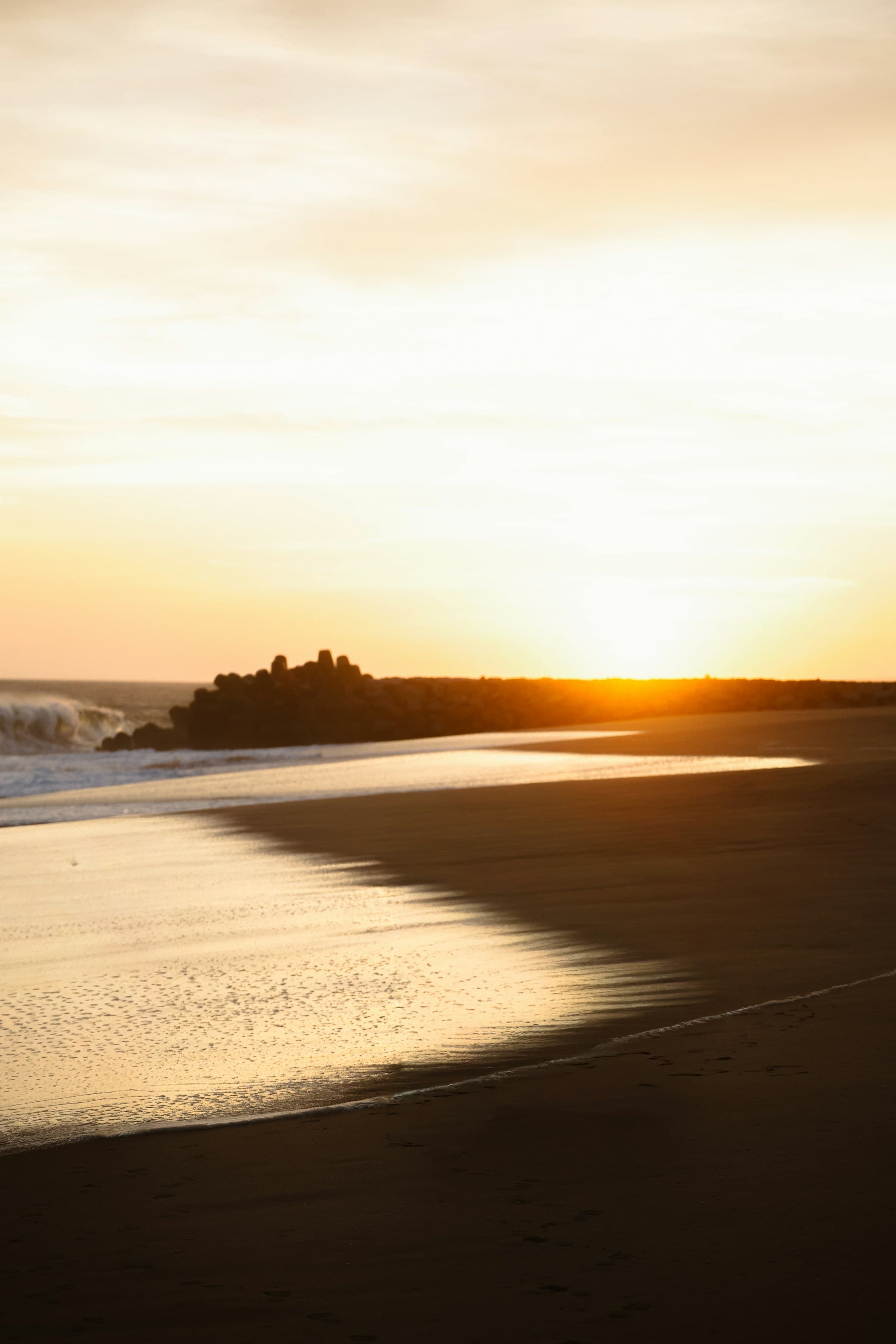
Beach
Relax by the sea with soft waves, golden sunsets, and a calming breeze that melts stress away.
Installation
Install the required dependencies:
npm install framer-motionLink to required files
Follow this link and download the required files. - https://github.com/railav61/data/tree/main/forkui-data/carousel
components/ui/carousel.tsx
"use client";

  import { motion, AnimatePresence } from "framer-motion";
  import { useState } from "react";
  import { wrap } from "popmotion";

  type Slide = {
    image: string;
    title: string;
    desc: string;
  };

  const slides: Slide[] = [
    {
      image: "https://res.cloudinary.com/dmqwpwo6c/image/upload/v1776147229/13_n80oya.jpg",
      title: "Beach",
      desc: "Relax by the sea with soft waves, golden sunsets, and a calming breeze that melts stress away.",
    },
    {
      image: "https://res.cloudinary.com/dmqwpwo6c/image/upload/v1776147234/Mountains_ecz9v9.jpg",
      title: "Mountains",
      desc: "Breathe in fresh mountain air while surrounded by towering peaks, misty mornings, and peaceful silence.",
    },
    {
      image: "https://res.cloudinary.com/dmqwpwo6c/image/upload/v1776147231/amazon-forest_oxd5lh.jpg",
      title: "Forest",
      desc: "Immerse yourself in lush greenery, gentle sunlight, and the soothing sounds of nature all around.",
    },
    {
      image: "https://res.cloudinary.com/dmqwpwo6c/image/upload/v1776147231/desert_fuexqn.jpg",
      title: "Desert",
      desc: "Experience the beauty of endless golden sands, dramatic skies, and the quiet power of vast landscapes.",
    },
    {
      image: "https://res.cloudinary.com/dmqwpwo6c/image/upload/v1776147234/tokyo_o8nb2f.jpg",
      title: "City",
      desc: "Feel the pulse of urban life with glowing skylines, vibrant streets, and endless opportunities.",
    },
  ];

  const variants = {
    enter: (direction: number) => ({
      x: direction > 0 ? "100%" : "-100%",
      opacity: 0,
      scale: 1.1, // Slight zoom-in feel
    }),
    center: {
      zIndex: 1,
      x: 0,
      opacity: 1,
      scale: 1,
    },
    exit: (direction: number) => ({
      zIndex: 0,
      x: direction < 0 ? "100%" : "-100%",
      opacity: 0,
      scale: 0.9, // Shrink slightly as it leaves
    }),
  };

  export default function Carousel() {
    // Tuple of [page, direction]
    const [[page, direction], setPage] = useState([0, 0]);

    // We wrap the index so it stays within the slides array bounds
    const imageIndex = wrap(0, slides.length, page);

    const paginate = (newDirection: number) => {
      setPage([page + newDirection, newDirection]);
    };

    return (
      <div className="w-full flex justify-center py-10 px-4">
        <div className="relative w-full max-w-4xl h-[500px] overflow-hidden rounded-3xl bg-neutral-900 shadow-2xl">
          <AnimatePresence initial={false} custom={direction} mode="popLayout">
            <motion.div
              key={page}
              custom={direction}
              variants={variants}
              initial="enter"
              animate="center"
              exit="exit"
              transition={{
                x: { type: "spring", stiffness: 300, damping: 80 },
                opacity: { duration: 0.2 },
              }}
              drag="x"
              dragConstraints={{ left: 0, right: 0 }}
              dragElastic={1}
              onDragEnd={(e, { offset, velocity }) => {
                const swipe = Math.abs(offset.x) > 50;
                if (swipe) {
                  paginate(offset.x > 0 ? -1 : 1);
                }
              }}
              className="absolute inset-0 cursor-grab active:cursor-grabbing"
            >
              {/* Background Image */}
              <img
                src={slides[imageIndex].image}
                alt={slides[imageIndex].title}
                className="w-full h-full object-cover select-none"
              />

              {/* Content Overlay */}
              <div className="absolute inset-0 bg-gradient-to-t from-black/80 via-black/20 to-transparent flex flex-col justify-end p-8 sm:p-12">
                <motion.h2
                  initial={{ y: 20, opacity: 0 }}
                  animate={{ y: 0, opacity: 1 }}
                  transition={{ delay: 0.2, duration: 0.5 }}
                  className="text-5xl sm:text-7xl font-black text-white uppercase tracking-tighter"
                >
                  {slides[imageIndex].title}
                </motion.h2>

                <motion.p
                  initial={{ y: 20, opacity: 0 }}
                  animate={{ y: 0, opacity: 1 }}
                  transition={{ delay: 0.3, duration: 0.5 }}
                  className="text-lg sm:text-2xl font-medium text-white/80 max-w-md italic"
                >
                  {slides[imageIndex].desc}
                </motion.p>
              </div>
            </motion.div>
          </AnimatePresence>

          {/* Custom Navigation Buttons */}
          <div className="absolute inset-0 flex items-center justify-between p-4 z-10 pointer-events-none">
            <NavButton onClick={() => paginate(-1)} direction="left" />
            <NavButton onClick={() => paginate(1)} direction="right" />
          </div>

          {/* Progress Indicators */}
          <div className="absolute bottom-6 left-1/2 -translate-x-1/2 flex gap-2 z-20">
            {slides.map((_, i) => (
              <div
                key={i}
                className={`h-1.5 rounded-full transition-all duration-300 ${
                  i === imageIndex ? "w-8 bg-white" : "w-2 bg-white/30"
                }`}
              />
            ))}
          </div>
        </div>
      </div>
    );
  }

  function NavButton({
    onClick,
    direction,
  }: {
    onClick: () => void;
    direction: "left" | "right";
  }) {
    return (
      <button
        onClick={onClick}
        className="pointer-events-auto h-12 w-12 flex items-center justify-center rounded-full bg-white/10 hover:bg-white/20 border border-white/20 backdrop-blur-md transition-all group"
      >
        <span
          className={'text-white text-xl transform group-active:scale-90 transition-transform'}
        >
          {direction === "left" ? "←" : "→"}
        </span>
      </button>
    );
  }